
Getting Started and Authenticating with Metronome
Note: Completing this authentication requires Metronome permission levels to create and access API Tokens. You can obtain an API Token from the Developer Dashboard in Metronome.
Metronome is a Source that SaaSync supports in syncing to a Destination. To get started syncing Metronome to a Destination:
- Create a SaaSync account or login to SaaSync if you already have an account,
- From the SaaSync Connections page, add Metronome as a Source,
- Enter a name in the Name field,
- Enter your API Token from Metronome.
-
Select Connect to Metronome.
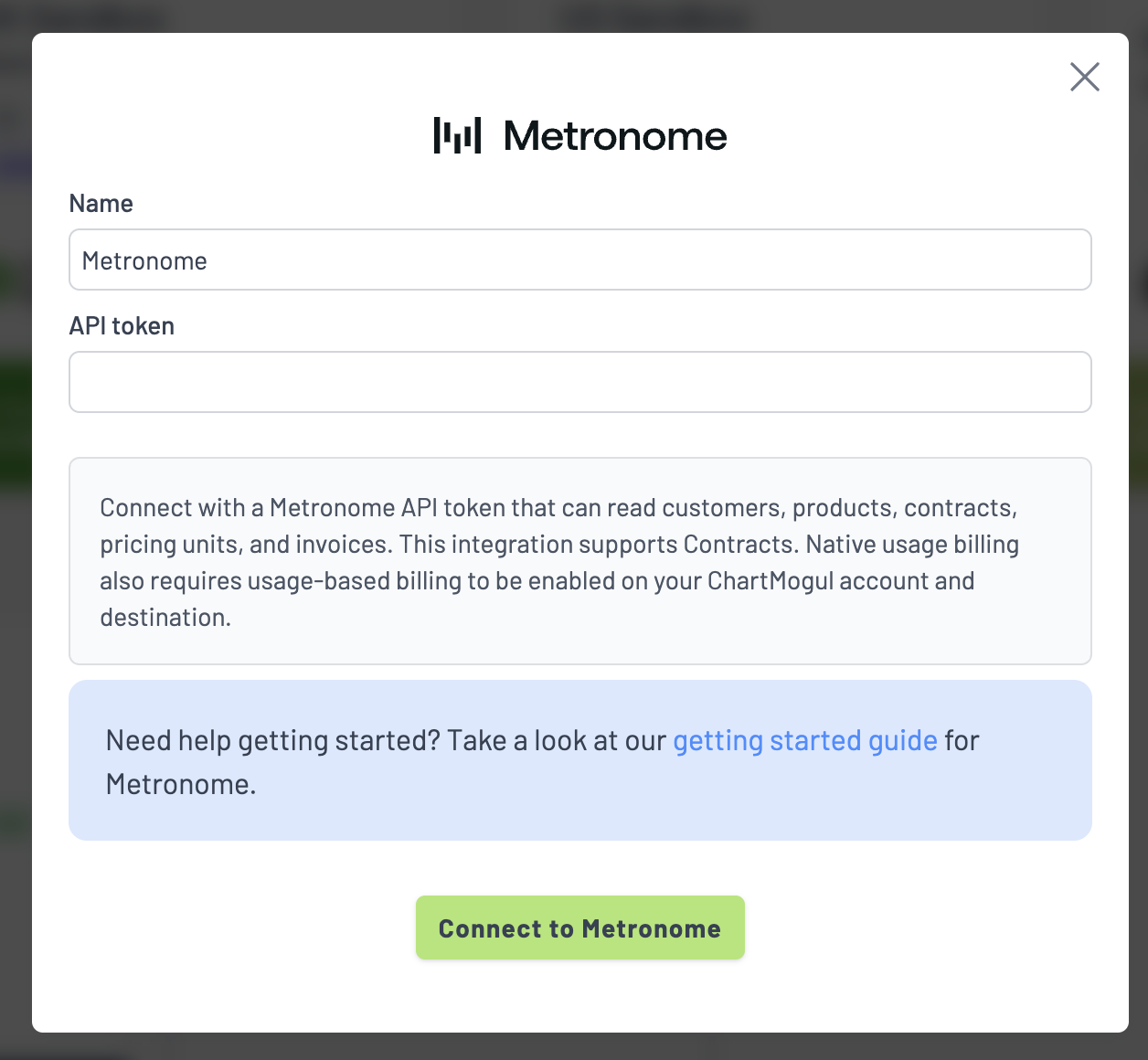
6. Your account should now be authenticated to Metronome.
This should complete the setup process. It may take a few minutes to possibly even several hours for your initial sync to complete depending upon how much data you have in Metronome. You will receive an email from SaaSync when the initial sync completes.